
Online 3D Printing Service
What actually happens between upload and price
The mesh analysis pipeline, why "instant" sometimes isn't, what happens to your file, and where the line between automation and a human sits.
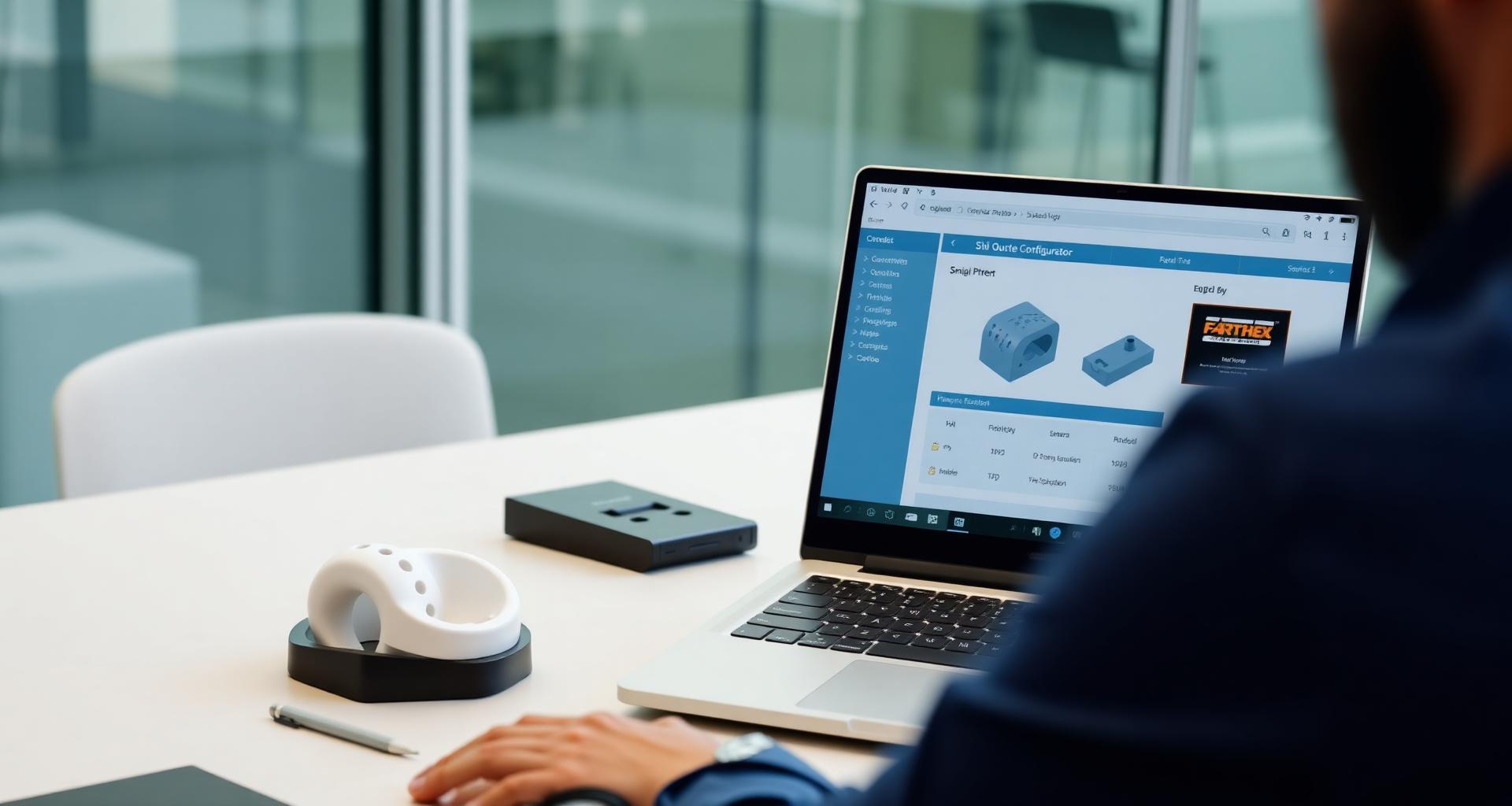
Every online 3D printing service shows you the same thing on the homepage: upload a file, get a price in seconds. What's happening between those two seconds — and what isn't — is invisible to most users. Worth understanding, because it explains why some quotes are reliable and some aren't, why "instant" sometimes isn't, and what's actually happening to your file from upload to ship.
The pipeline: what happens between drag-drop and dollar amount

When you drop an STL on a quote tool, six things happen in roughly this order:
1. Format detection and parsing
The browser reads the first few hundred bytes of the file to confirm it's actually what its extension claims. STL files in particular come in two flavors (binary and ASCII) that need different parsers. STEP files require fundamentally different processing (B-rep instead of mesh). A robust quote tool handles all common formats — STL, STEP, OBJ, PLY, 3MF — without complaining.
2. Unit inference
The killer step. STL files don't store units. The tool guesses based on bounding-box magnitude (parts measured in thousands are probably millimeters; parts measured in fractions are probably inches). A good quote engine flags ambiguous cases and shows you what it inferred, so you can correct before it costs you a misprinted part at 25.4× scale.
3. Mesh analysis
The tool walks the geometry to compute volume (cubic centimeters of solid material — drives material cost), bounding box (drives nest-packing efficiency in SLS, drives machine time in FDM), surface area (drives post-processing cost), a wall thickness map (flags areas under printable minimums), and a manifold check (holes, inverted normals, floating geometry).
4. Pricing computation
The pricing model multiplies the geometric measurements by material cost, machine time, and overhead. For SLS, batch packing efficiency factors in (more units = lower per-part cost). For FDM, layer height and support material projections factor in.
5. Lead-time computation
Current queue state + selected priority queue + your geometry's machine-time requirement determines a ship date.
6. Display
All of the above renders into the configurator you see — material options, queue selection, finishing add-ons, price breakdown.
The whole pipeline should run in 5–30 seconds for a typical part. Anything significantly longer usually means the file is being handed to a human, which brings us to the next thing.
What "instant" actually means — and when it isn't
Most online quoting is automated for standard-geometry parts in stocked materials within the build envelope. That's probably 90% of what gets uploaded. For these, the price you see in 10 seconds is the price you pay.
Cases where automation hands off to a human:
- Files larger than the upload limit (typically 100 MB). Multi-gigabyte assemblies don't fit in browser memory.
- Geometry that exceeds the build envelope. A good tool offers auto-splitting into bonded segments — but the split needs review for parts where the split plane matters.
- Mesh errors the auto-repair can't fix. Severely non-manifold geometry, deeply nested boolean failures, or surfaces with thousands of self-intersections need manual cleanup.
- Materials not on the instant catalog. Specialty grades, non-standard colors, or partner-network materials like PA12-GF glass-filled nylon all require human pricing.
- Quantities above standard pricing tiers. Most pricing models cap at a few hundred units; beyond that, a production planner needs to schedule and quote.
- Custom finishing or assembly. Anything beyond standard sanding, dye, or polish.
- NDA-elevated handling requirements.
A trustworthy service tells you clearly when your file is in the human path versus the automated path. If you uploaded an STL and 24 hours later you're still waiting on a quote, the file is in a queue somewhere — not a model where anything is "instant."
What happens to your file after upload
This is the part most users don't think about until they should have. The lifecycle of an uploaded file at a competent service:
On upload
The file is transmitted over TLS, stored encrypted at rest. Your visitor session (or account, if logged in) is bound to the upload. A unique reference ID is generated.
During quoting
The file is loaded into memory for the analysis pipeline. The bounding box, volume, and surface area are computed and stored as metadata. The actual mesh is not transmitted anywhere outside the service's infrastructure during this step.
After checkout
The file enters the production queue. The print operator pulls it onto the machine. Some services email a confirmation that includes a low-resolution thumbnail of your part for verification — this is intentional.
Retention
For account holders, files persist in your file library indefinitely (or until you delete them) for reorders. For guest checkouts, files are typically retained for 30–90 days to support follow-up orders, then purged.
Sharing
At any reputable service, your file is never shared, sold, used as a marketing example, or fed into AI training data. NDA coverage formalizes this in writing.
If you're sending IP-sensitive geometry, three questions to ask:
- Is the file encrypted in transit and at rest?
- Who in the company has access to view it, and how is that logged?
- Is the file pool exposed to any partner-network printers, and how is that coverage extended?
PartGuys answers these explicitly via the NDA Protection Active option on every quote — coverage applies before files queue, and the partner network is bound by the same agreement.
File format conversion: what the tool does silently
Most quote tools accept multiple formats and convert to a working internal representation. Things you don't see:
- STEP to mesh conversion. STEP files describe geometry mathematically (B-rep); printers need a tessellated mesh. The conversion uses a chord-tolerance setting that determines how finely the surfaces are tessellated. Default settings are usually fine, but for parts with very small features, the default tessellation can lose detail.
- Multi-body file splitting. A single STL can contain multiple disconnected solids. The quote engine usually offers to split these into individually-priced parts — useful for assemblies. For parts that are intentionally multi-body (lattice structures, fluid manifolds), confirm the split doesn't break the geometry.
- Coordinate system normalization. STL geometry uses whatever coordinate system the originating CAD used. The quote tool normalizes to its own orientation for analysis (which usually doesn't matter for SLS but can matter for FDM where build orientation affects strength).
- Mesh decimation for preview. Very high-poly meshes get downsampled for the in-browser 3D preview to keep things responsive. The original geometry is preserved for actual printing.
These conversions are usually transparent. They become visible when something goes wrong — a "your part has been simplified" warning, or a quote that doesn't match what you expected. Our guide to printing from an STL file covers what to send and what to check before upload.
The "no account required to quote" pattern
Most modern online 3D printing services let you upload, configure, and see pricing without creating an account. This pattern works because:
- It removes friction from price discovery, where most users are.
- It captures email at the moment of highest intent (checkout) rather than the moment of lowest commitment (browsing).
- It signals confidence — the service expects its pricing to compete on the merits.
What you give up:
- No file persistence. A guest session ends when the browser closes. Quote needs to be redone.
- No saved settings. Material preferences, shipping address, default queue — all need re-entry.
- No order history. A guest order can be tracked by email lookup, but there's no dashboard view.
- No reorder shortcut. Repeat customers benefit from accounts; one-time buyers don't.
For a single-part hobbyist order, guest checkout is fine. For anyone planning multiple orders, an account pays back fast. See how the end-to-end flow works if you want the full sequence from upload to delivery.
Integration with procurement workflows
PO acceptance
The service accepts purchase orders, not just credit cards, for buyers whose company doesn't put manufacturing spend on cards.
NET-30 (or longer) terms
Standard B2B accounting practice.
Per-PO invoicing
Each order generates an invoice that ties to a PO number, so AP can reconcile.
Tax-exemption support
Resale certificates submitted once, applied automatically thereafter.
Team accounts
Multiple engineers under one billing account with role-based approval thresholds.
API access for orders
For high-volume buyers, programmatic order submission via API.
Online services that cater to B2B production work build these in; consumer-focused services usually don't. For more on running additive as a repeating production part, see our production 3D printing service guide.
Mobile vs desktop quoting
A real gap most services don't solve well. Quoting on mobile is harder because:
- File upload from phone usually means re-routing through a cloud storage app (Drive, Dropbox, Files).
- 3D preview rendering is significantly slower on phone GPUs.
- Configurator UIs designed for desktop don't always shrink cleanly.
The use case for mobile quoting is real — engineers in meetings, founders on the go, designers reviewing a vendor email. Services that nail mobile usually win this segment. Services that treat mobile as an afterthought lose orders that started on a phone.
What separates a good online service from a bad one
After auditing several quote flows, the consistent markers of a trustworthy service:
Itemized pricing breakdown — material, machine time, post-processing, shipping all separate
Published lead times measured from order placement, not file approval
Free NDA coverage applied before files queue
Clear in-house vs partner-network labeling on each material or process
Volume discount visible on the quote (especially for SLS)
Failure-mode protocol — auto-reprint at the service's cost if QA fails
Versioned file library for repeat customers
No-account quoting available
Real photos of real parts in any marketing visual (not stock or AI imagery)
For the cost-side view of these markers, our 3D printing cost breakdown walks through what each line item on a quote actually represents.
A service that ticks all of those is built for engineers who care about getting it right, not for casual buyers shopping on price alone.
Try the upload flow
PartGuys' instant pricer runs the full pipeline above — format detection, unit inference, mesh analysis, packing-aware pricing — for SLS PA12 and FDM thermoplastics in real time. PA12-GF (glass-filled nylon) routes through the partner network with a separate quote. No account required to see the price.
Upload at partguys.io or email files to quotes@quote.partguys.io.
Start a quoteFrequently asked questions
How does an online 3D printing service generate an instant quote?
After upload, the service detects the file format, infers units from the bounding-box magnitude, runs a mesh analysis to compute volume, bounding box, surface area, and wall thickness, then multiplies those measurements by material cost, machine time, and overhead. The whole pipeline runs in roughly 5–30 seconds for a typical part.
Why does my quote sometimes route to a human instead of being instant?
Automation hands off to a human when the file is over the upload limit, the geometry exceeds the build envelope, the mesh has errors auto-repair can't fix, the material isn't on the instant catalog, the quantity is above standard pricing tiers, or finishing requires custom work.
What happens to my CAD file after upload — is it secure?
At a competent service, files are transmitted over TLS, stored encrypted at rest, bound to your session or account, and never shared, sold, or used as training data. PartGuys also offers NDA Protection Active on every quote, which extends coverage to the partner network before files queue.
Do I need an account to get a price?
No. Modern services let you upload, configure, and see pricing without an account — email is captured at checkout instead. For one-off orders, guest checkout is fine. For repeat orders, an account gives you file persistence, saved settings, order history, and one-click reorders.
What file formats can I upload?
PartGuys accepts STL, STEP, STP, OBJ, PLY, and 3MF. Each format renders identically in the preview and prices consistently. STEP files are tessellated to a mesh internally using a chord-tolerance setting tuned to preserve fine features.
Can I quote and order from a phone?
Yes. PartGuys' quote flow works on mobile — upload from your phone's files, see the 3D preview and price, and check out as a guest. Mobile is a real use case for engineers in meetings and founders reviewing vendor options on the go.
Related reading
Have a Topic Suggestion?
We're always looking for new article ideas. Let us know what you'd like to learn about!